
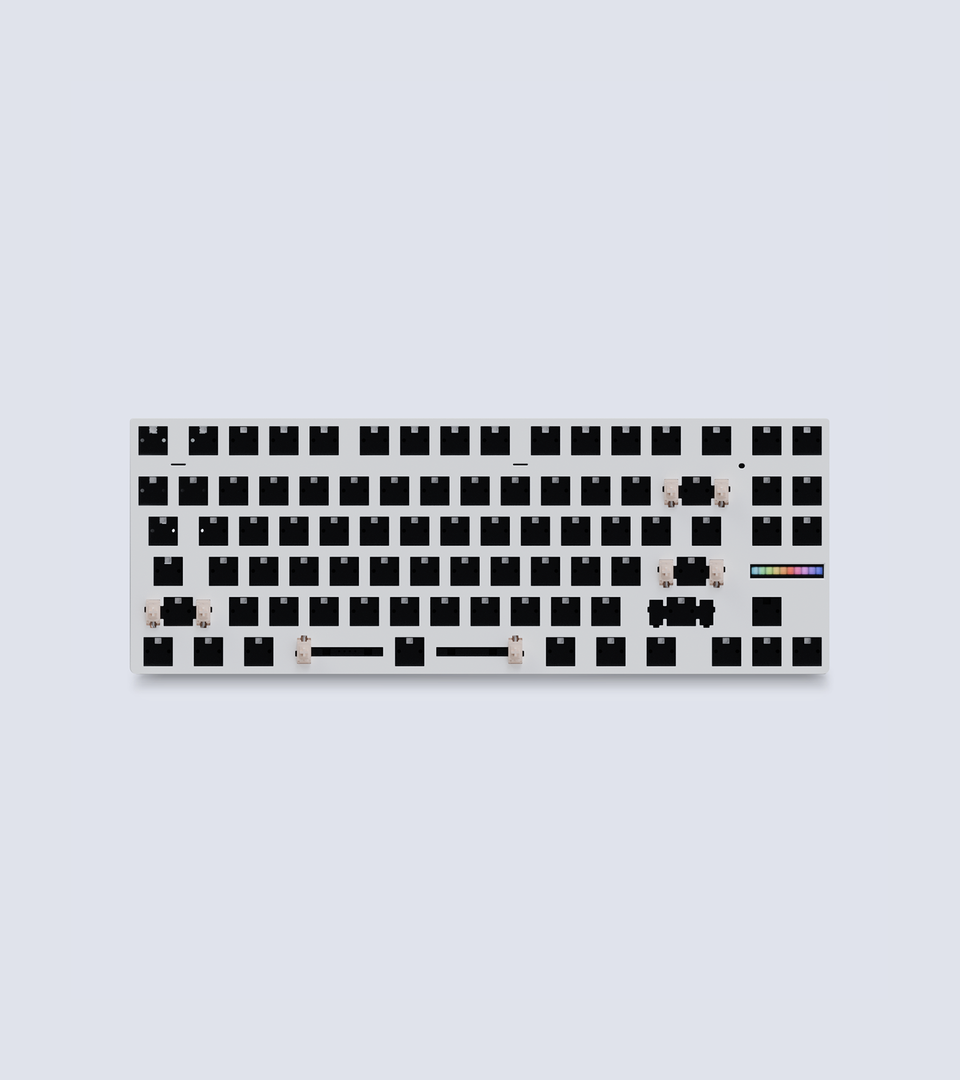
Wooting 80HE Module
This keyboard is the absolute best investment if you spend lots of time in front of a computer. The software is insanely easy to use. Go for the zinc alloy if you have extra cash because it will sound much better.
Very nice
I've had some trouble with other HE keyboards and was recomended this onenby a friend. I've had zero issues with it and love the feel of using it.
if i had one request, I'm a linux user and very much appreciate that the software for it runs through my browser, especially apreciating the steps you listed to make it work. I would however like it if I could either have a desktop application, or if you could also support other browsers like firefox.
but still, thank you for the work you've put in so far, it really is a fantastic keyboard.
My first experience with wooting was when the 60he first came out and it was a really good keyboard that I used all the time until September this year when i got the 80he. The 80he is honestly a good size and to me it does feel more responsive than the 60he I had. The opening experience when I got my 80he was honestly really nice and satisfying. The sound and feel of the keyboard is also way better when compared to when I got my 60he. Although wooting is expensive, to me it feels like an investment because I know that these keyboards will last a really long time. Software is also rlly good no complaints there. And their customer support is also great. Overall 5/5 would recommend for people who need the fast/responsive switches for competitive titles, and need the extra keys for other games and wants a keyboard that can last them a long time.
- The backlighting is among the worst I have ever seen (with ISO-German-Layout)
The white color cannot be adjusted at all. Instead, the color at 255,255,255 appears red
The illumination of the key symbols varies greatly at the same brightness setting: for example, the Enter key is faint and only half lit, while the Shift key is glaringly bright
The lower row of keyboard symbols, such as € @ { } [ ] are transparent but not illuminated
Random Review: https://keycaps-deutsch.de/wooting80he-review
- Dimming and turning off the keyboard after a selected time is a global setting. However, this absolutely needs to be profile-dependent.
- There is still no background service that automatically activates profiles based on the running process.
- Many keyboard characters and symbols are missing in the key assignment.
- Wootomation often needs to be restarted because macros otherwise do not work.
Combine your Wooting keyboard with a Wooting wrist rest at a 10% discount.
Got a question or have some feedback let us know
版权 © 2025 Wooting Store EU由 Shopify 提供支持